How to turn on and lock your smartphone with a broken power button, and how flex cables are replaced.
FixAtDoor Certified Expert
Lead Mobile Repair Specialist
2026-10-11•5 min read
We press our smartphone's power button dozens of times a day to wake the screen, lock the device, or confirm payments. When your mobile power button is not working, even simple tasks like restarting or turning off the display become major hurdles.
Why Smartphone Power Buttons Stop Working
Micro-Switch Dome Fatigue: Beneath the metal button sits a tiny tactile metal dome switch. After hundreds of thousands of clicks, the dome collapses and loses its spring.
Dirt & Sticky Spills: Dried liquids and dust bind the button against the chassis.
Frame Dents: Dropping the phone on a corner can crimp the metal frame against the button.
How to Wake & Turn On a Phone Without the Power Button
Enable Double Tap to Wake under display settings. You can also turn on Lift to Wake. On iPhones, tap the screen or raise the device. If the phone is powered off, plugging it into a fast charger will often automatically boot the operating system.
Alternative Ways to Lock Your Screen
On Android, enable the Accessibility Menu shortcut to place a floating virtual lock button on screen. On iPhone, activate AssistiveTouch in Accessibility settings to access an on-screen Lock Screen button.
How the Power Flex Cable is Replaced
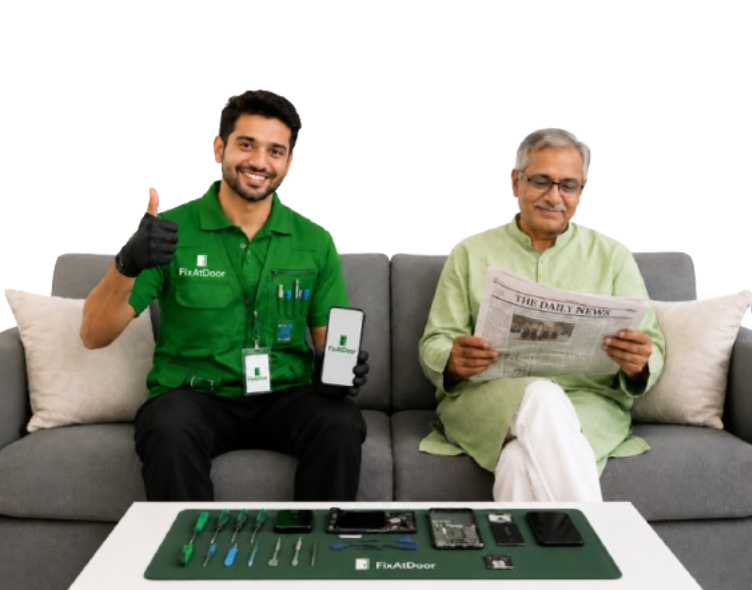
While software workarounds help temporarily, repairing the physical button is inexpensive and straightforward. A technician opens the device, removes the worn internal button flex strip, cleans the chassis slot, and installs a brand-new tactile switch.
Doorstep Button Repair with FixAtDoor
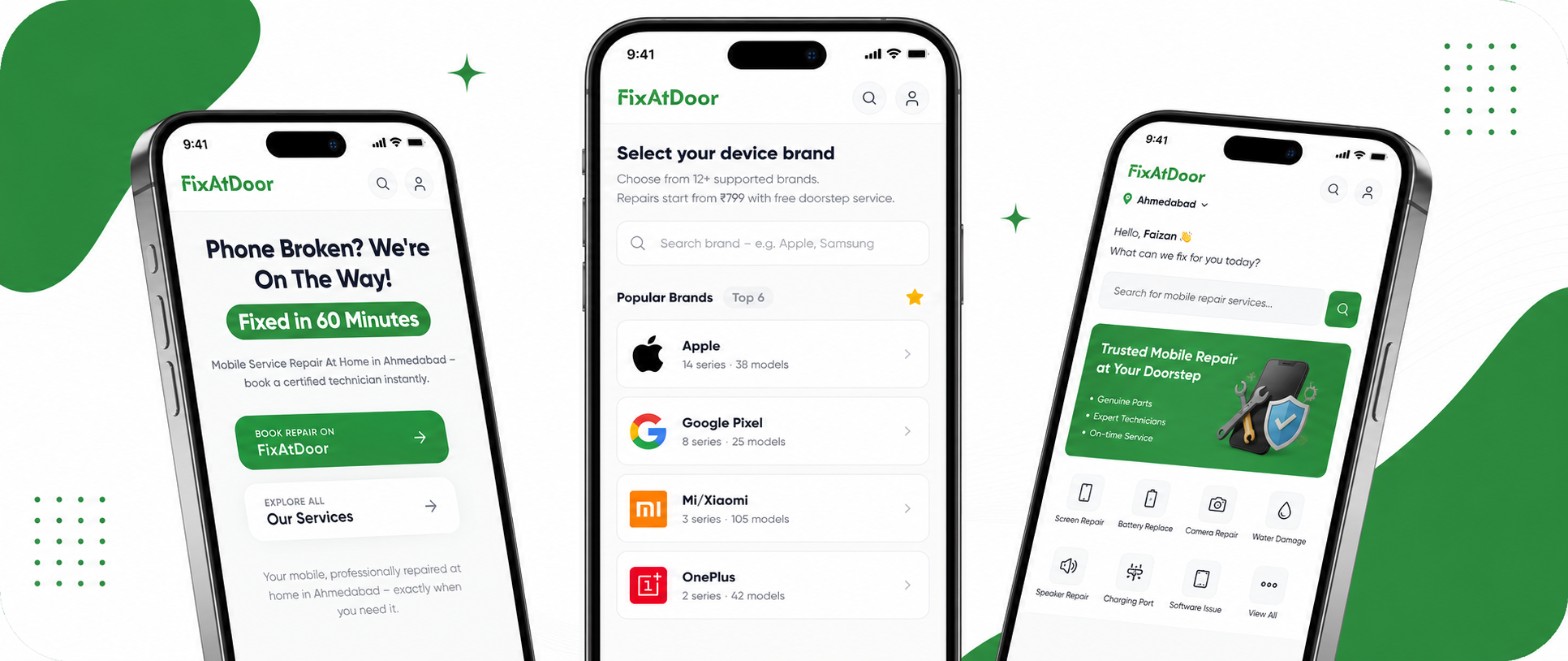
FixAtDoor technicians replace power and volume button flex cables right at your doorstep in under 30 minutes. Regain full tactile control of your smartphone by booking on FixAtDoor.
FixAtDoor Doorstep Fix
Facing this issue on your phone right now?
Certified technicians arrive at your door in Ahmedabad within 60 minutes with 6-month warranty.
Plug your phone into a charger while holding the Volume Down button. On many Android phones, this boots into Fastboot/Recovery mode, from which you can select 'Reboot system'.
Looking for professional mobile service at home? Read our complete guide to doorstep mobile repair in Ahmedabad. Learn how certified technicians replace screens, batteries, and charging ports right in front of your eyes in under 60 minutes with up to 6 months warranty.
Discover the best mobile service at home in Ahmedabad. FixAtDoor offers certified technicians, 60-minute doorstep screen and battery replacement, 6-month warranty, and 100% data privacy across Bopal, SG Highway, Satellite, Thaltej, and Vastrapur.
Comprehensive guide to mobile repair at home in Ahmedabad. Check doorstep service rates for screen replacement, battery repair, charging port fix, and learn how to book online with FixAtDoor in under 2 minutes.